
Snapseed QR Codes HD 4k
What Makes Snapseed QR Codes Unique for HD and 4K Edits?
Snapseed QR codes are the best tool for quick photo editing, especially for HD and 4K images. With Snapseed QR Codes HD 4k, you can apply preset edits instantly by simply scanning a code, saving time and effort. Whether you are a professional or a beginner, these codes make editing easier and faster. follow these tips.
Quick Edits: Apply advanced edits in one scan.
High-Quality Results: Perfectly optimized for HD and 4K photos.
Easy Sharing: Share or use ready-made QR codes for uniform edits.
Customizable: Create and save your own codes for personal use.
With Snapseed QR codes anyone can get best results with less effort.
Step-by-Step Guide to Using Snapseed QR Codes
Snapseed QR codes simplify photo editing by easy to apply preset edits instantly. Follow these steps to use them :
♦ Open Snapseed: Go to the Snapseed app on your mobile device.
♦ Add Your Photo: Tap on the + icon to select the photo you want to edit.
♦ Scan the QR Code: Tap the menu icon (three dots) or an arrow left down at the top-right corner (depends upon app version).
♦ Select QR Look and then choose Scan QR Look: Point your device camera at the QR code or upload an image with the code.
♦ Apply the Edits: Once scanned, the preset edits will be applied to your photo automatically.
♦ Make Adjustments (Optional): If needed, you can fine tune the edits to suit your needs.
♦ Save Your Photo: Tap the export button and choose your desired format to save or share the edited photo.
Using Snapseed QR codes is quick, efficient, and perfect for high-quality results.
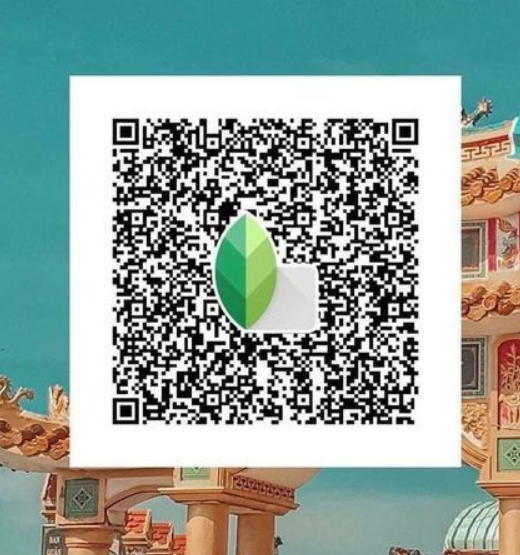
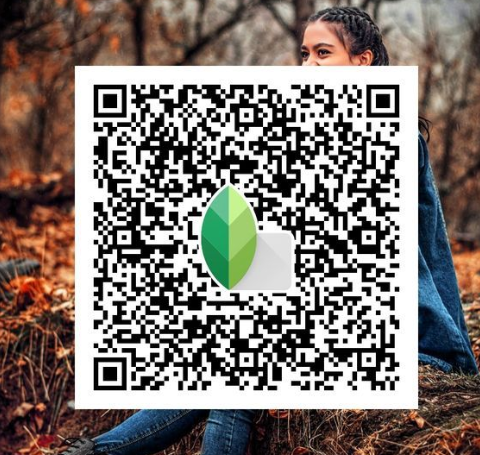
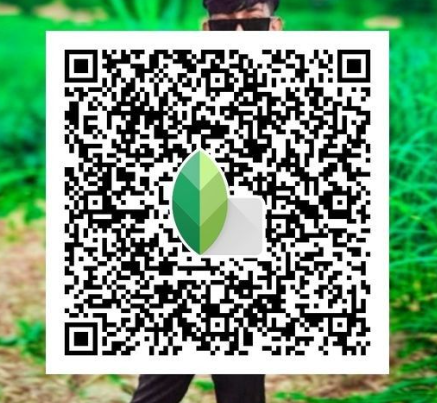
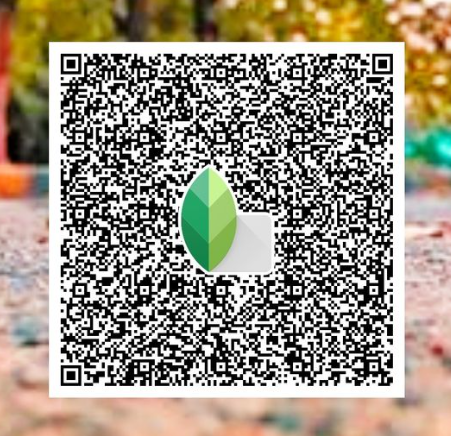
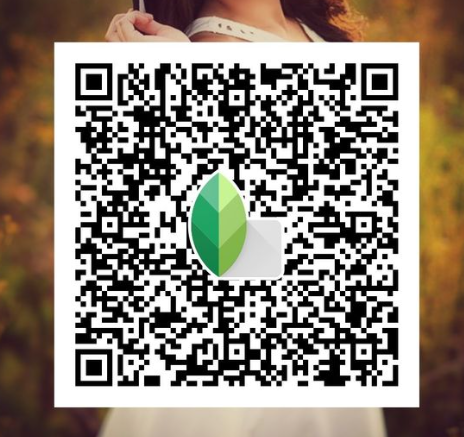
List of Snapseed Qr Codes Hd 4k
How to Generate Your Own Snapseed QR Codes
Creating your own Snapseed QR codes allows you to share your editing styles easily. Follow these steps:
♦ Open Snapseed: Launch the app and upload the photo you want to edit.
♦ Edit Your Photo: Use Snapseed’s tools to adjust brightness, contrast, filters, or other settings.
♦ Save the Edits as a Look: Tap the menu icon (three dots) at the top-right corner. amd select QR Look and then choose Create QR Look.
♦ Generate the QR Code: Snapseed will create a QR code that contains your editing settings.
♦ Share or Save the Code: Save the QR code to your gallery or share it directly with others. With your custom QR codes, you can apply the same edits to multiple photos or share your style with friends.
Best Practices for Applying QR Codes in Snapseed
To get the best results with Snapseed QR codes, follow these tips:
♦ Use High-Quality Images: Ensure your photos are HD or 4K for better editing results.
♦ Choose Relevant QR Codes: Select QR codes that match the style or mood you want for your photo.
♦ Adjust After Applying: After scanning the QR code, tweak the settings if needed to suit your photo better.
♦ Test on Similar Images: Use QR codes on similar types of photos to maintain consistency in edits.
♦ Save Original Files: Keep a copy of your original photo in case you need to start over.
These tips can help you to achieve stunning, professional high quality edits with less time.
Top Trending Snapseed QR Codes for Professional Edits
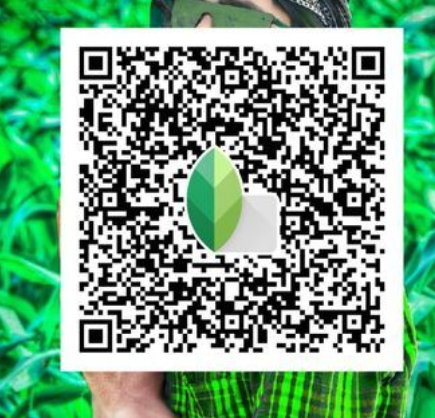
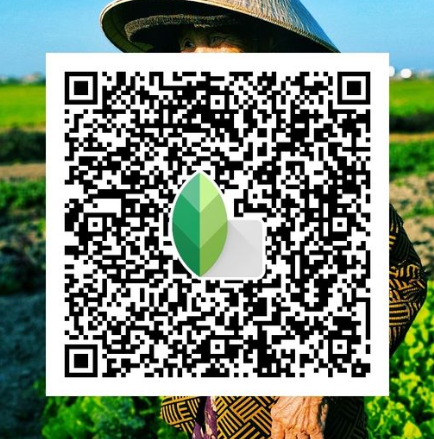
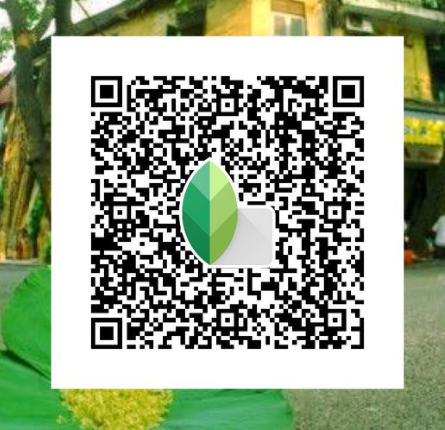
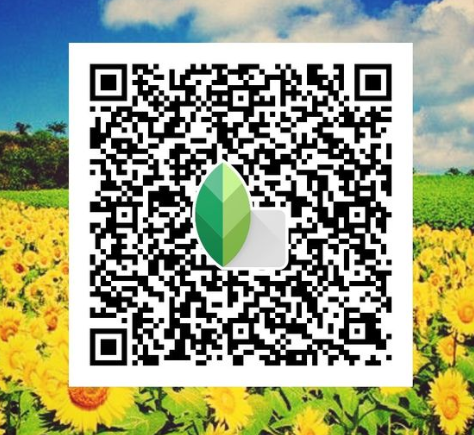
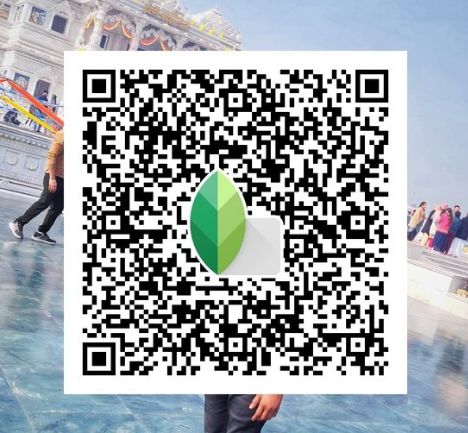
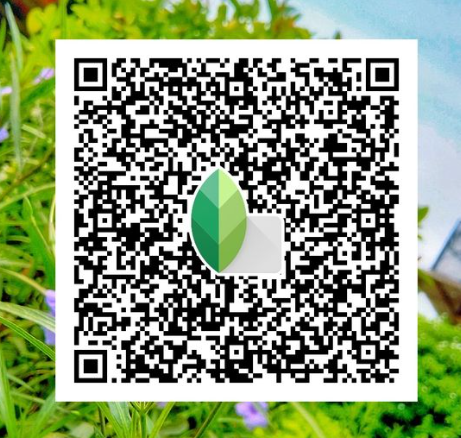
Must Try: Snapseed Qr Codes Blur Background
Benefits of Using Snapseed QR Codes for Beginners and Pros
Snapseed QR codes are useful for both beginners and professionals. They make photo editing fast, consistent, and easy. Here is how they help:
For Beginners
♦ Simple to Use: Apply advanced edits with one scan, no technical skills needed.
♦ Time-Saving: Quickly enhance photos without learning complex tools.
♦ Consistent Results: Get professional-looking edits every time.
For Professionals
♦ Customizable: Create and save your own QR codes for unique styles.
♦ Shareable: Share your editing presets with clients or team members.
♦ Optimized for Quality: Perfect for editing HD and 4K images efficiently.
Snapseed QR codes are a game-changer for anyone looking to edit photos with ease and precision.
Tips for Optimizing 4K Edits with Snapseed
Editing 4K images in Snapseed needs extra effort to make sure that the details and resolution remain intact. 4K photos have higher clarity and sharpness, so even small changes can make a big difference. Using Snapseeds advanced tools properly can help you enhance these images without losing quality. Here are some tips to get the best results:
♦ Start with High-Quality Photos: Make sure your original photo is clear and well lit. This gives you a strong base to work with and avoids unnecessary pixelation.
♦ Fine Tune Details: Use the Details tool to sharpen textures and enhance structure. Adjust gradually to prevent over sharpening, which can make the photo look artificial.
♦ Work with Layers: Apply edits one at a time and review each step. Layered editing lets you refine specific areas without affecting the entire image.
♦ Enhance Colors Carefully: Tools like Tune Image and Curves can adjust brightness, contrast, and saturation. Keep the colors balanced to avoid overpowering the natural look of the photo.
♦ Save in Full Resolution: When exporting, always save the edited photo in 4K resolution. Lowering the resolution can compromise the details and quality of your final image.
Follow these steps which help you to achieve professional results on your 4K photos.
How QR Codes Simplify Complex Edits in Snapseed
Snapseed QR codes make editing easy by allowing you to apply advanced adjustments instantly. Instead of manually recreating each setting, a simple scan does the work for you. Here’s how they simplify complex edits:
♦ Time-Saving: No need to adjust brightness, contrast, or filters individually. QR codes apply all edits at once.
♦ Consistency: Ensures uniform edits across multiple photos, perfect for professional projects.
♦ User-Friendly: Beginners can use professional-grade presets without understanding advanced tools.
♦ Customizable: Pros can create QR codes with their unique settings and share them with others.
With Snapseed QR codes even the most detailed edits become quick and easy to use.
Final Thoughts on Snapseed QR Codes for HD and 4K Edits
Snapseed QR codes make photo editing quick and easy. They save time, give consistent results, and are perfect for HD and 4K images. Beginners can use them to apply edits with one scan, while professionals can create and share custom styles. With Snapseed QR codes, anyone can edit photos like a pro. Try them today and see how simple editing can be!
Using the Face Smooth Effect with Snapseed QR Codes
The Face Smooth Snapseed QR Code takes the guesswork out of applying the smooth skin effect. Here’s how to use it:
♦ Find a QR Code: Search online for Face Smooth QR codes shared by other users or create your own.
♦ Scan the Code: Open Snapseed, go to the QR code scanner, and scan the code.
♦ Apply the Effect: Once scanned, Snapseed will automatically apply the smooth face effect to your photo.
Advantages of Using QR Codes for Face Smooth Effects
♦ Time-saving: With QR codes, there is no need to manually adjust settings. Just scan, and you are done.
♦ Consistency: Using QR codes ensures you to get the same result every time. Best for creating a cohesive look across multiple images.
♦ Customizability: Most of the QR codes are customizable and may not allow you to change the effect to suit your needs.
Common Problems with Face Smooth Snapseed QR Codes
♦ Low-Quality Images: If the image quality is poor, the effect may not look as smooth.
♦ Older Versions: Make sure your Snapseed app is up-to-date, as some older versions may not support some QR codes.
ometimes, QR codes might not work as expected. Here are a few common problems:
How to Fix These Issues
♦ Check Image Quality: Make sure your image is in high quality before applying the effect.
♦ Stay updated on App: Make sure you are using the latest version of Snapseed for optimal performance.
Best Practices for Using Snapseed’s Face Smooth Effect
For the best results keep reading:
♦ Moderation is Key: Avoid an over-smoothing face and aim for a simple, radiant look.
♦ Use Multiple Tools: Combine the face smoothing tool with other Snapseed features, like brightness adjustments and color correction, for the best results.
Exploring Other QR Code Features in Snapseed
Snapseed’s QR code feature isn’t limited to face smoothing. There are many other effects you can unlock through QR codes, including color grading, lens blur, and more.
Common Mistakes to Avoid
While manual editing offers complete control, QR codes are perfect for quick and consistent results. For beginners or those looking for speed, QR codes are a great choice.
Real-Life Applications of Snapseed QR Codes
Snapseed QR codes are great for anyone who shares photos online. This doesn’t matter if you are an influencer, photographer, or just love to post pictures. This app can help you to improve your photos, like portraits of landscapes, quickly and easily.
How to Share Snapseed QR Code
Snapseed allows users to share QR codes with friends and followers. Whether you’re sharing your own creations or using codes from others, this is a great way to exchange ideas and effects.
Snapseed QR Codes and Privacy Considerations
When sharing QR codes, be mindful of the privacy of the photos you’re editing. Avoid sharing personal images unless you’re confident in your privacy settings.
Final Verdict
The Face Smooth Snapseed QR Code is a fast and easy way to improve your photos. It helps you get smooth skin with just one scan. Whether you’re a beginner or an expert, QR codes make editing simple and quick. Try it out for easy, great results every time.